⛃ Hitachi Storage LUN Provisioning
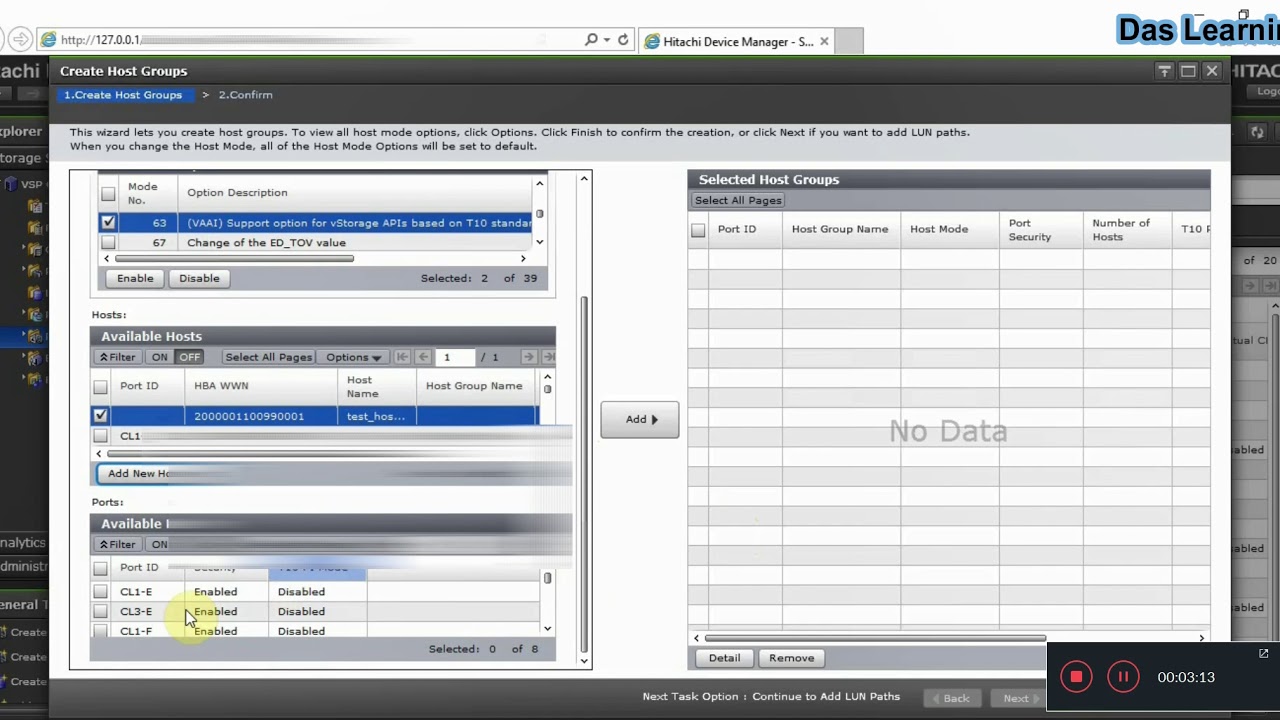
Using Hitachi Device Manager - Storage Navigator from any Hitachi VSP G/F series storage to Provision the LUNs to Servers/Hosts
📽️ Demo
You can click on the below Image or this
Youtube Link
to see the demo. This was my
first
YouTube video & audio was bad, but still it is really useful.
📋 High Level Steps
-
First, we need to create Host Groups on the defined Storage ports from Hitachi Storage Navigator windows. If you have already created the LUNs from any storage Pool, you can assign those from the same wizard or else finish the wizard and apply.
-
Create new LDEVs or LUNs (Virtual Volumes) from any Pool in the storage array and assign them to the newly created Host Groups.
-
Finally, login into the Servers (VMs), do a disk rescan and you should be good to go with the new external storage groups.
🔧 Host Mode & Host Mode Options
And here is the table which will help to decide the Host Group mode and Host mode option selection during Hitachi Storage Host Group creation:
|
O/S type |
Host Mode |
Host Mode Description |
Host Mode Option (HMO) |
|
Windows |
2C |
Windows Extension |
13, 40 (V-VOL expansion) |
|
VMware |
21 |
VMware Extension |
13, 54, 63 |
|
HP-UX |
03 |
HP |
12, 13, 43 |
|
SUN Solaris |
09 |
Solaris |
13 |
|
Linux |
00 |
LINUX |
13 |
|
AIX |
0F |
AIX |
2 (Only for RAC), 13, 40 |
✉️ Contact Information
Please visit our contact page 👉🏽 Contact Us